NVIDIA Error and Solution During linux-firmware Update in Arch Linux#
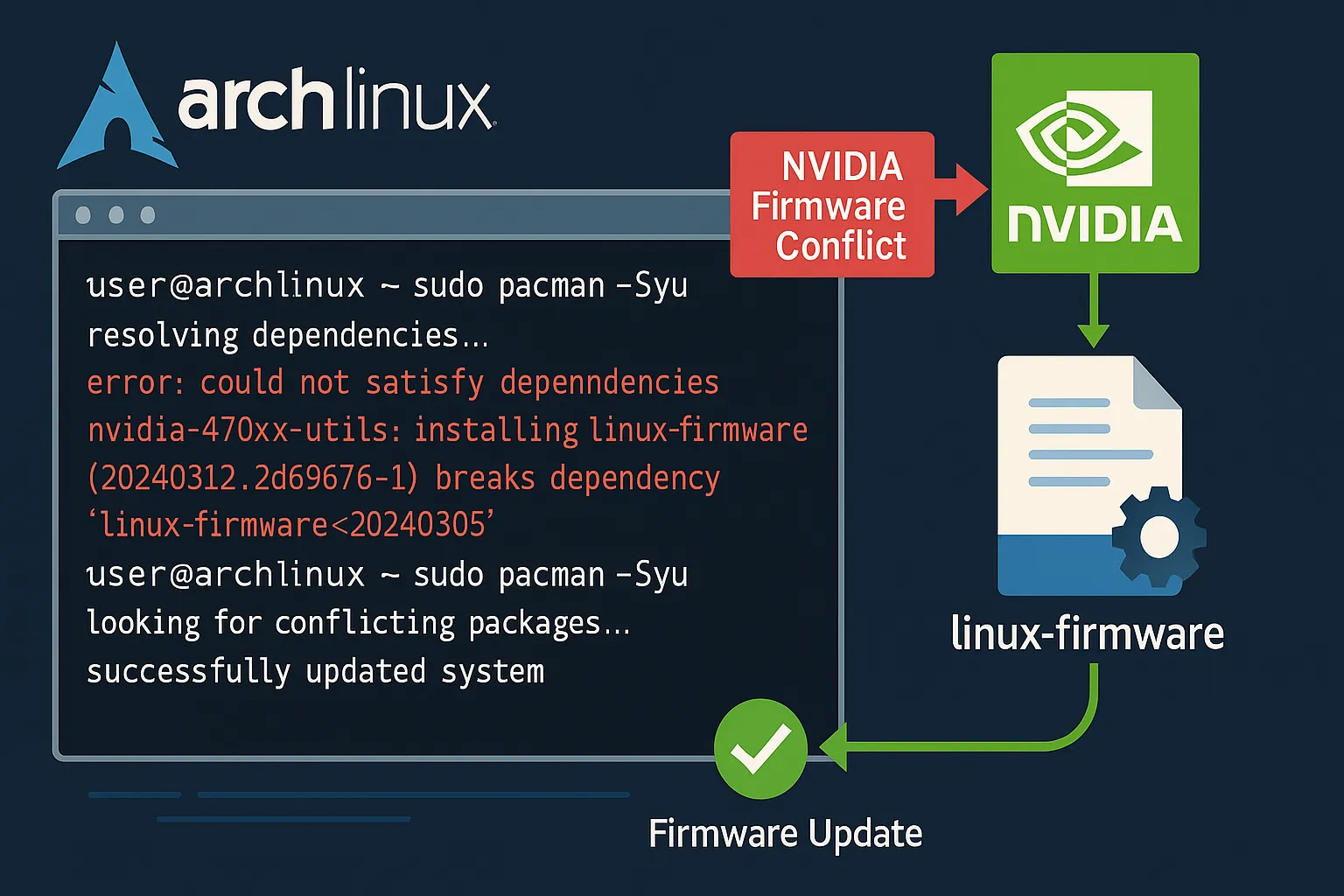
If you are using Arch Linux and have encountered an annoying error message regarding the linux-firmware package during recent updates, you are not alone. Especially on systems with NVIDIA hardware, file conflicts (exists in filesystem) related to linux-firmware-nvidia prevent many users from upgrading their systems. In this article, we explain the cause of this problem and its permanent solution step by step. ✅
What's the Change in the linux-firmware Package?#
The linux-firmware package, released on 2025-06-13, underwent a significant structural change with version 20250613.12fe085f-5. Now, all firmware components are divided into hardware manufacturer-specific packages.
For example:
linux-firmware-nvidialinux-firmware-intellinux-firmware-amd
This separation allows only the necessary firmware to be installed on the system. The main linux-firmware package is now just an empty (metapackage) structure that depends on these sub-packages.
However, this restructuring coincided with the upstream reorganization of symbolic links (symlink) belonging to NVIDIA drivers, leading to an unexpected file conflict.
Encountered Error Message#
During the update, Pacman may give the following errors:
linux-firmware-nvidia: /usr/lib/firmware/nvidia/ad103 exists in filesystem
linux-firmware-nvidia: /usr/lib/firmware/nvidia/ad104 exists in filesystem
linux-firmware-nvidia: /usr/lib/firmware/nvidia/ad106 exists in filesystem
linux-firmware-nvidia: /usr/lib/firmware/nvidia/ad107 exists in filesystem
These error messages indicate that NVIDIA firmware files were directly present in previous versions of the linux-firmware package, but in the new system, they are now being managed by the linux-firmware-nvidia package.
What is the Cause of the Problem?#
Pacman, by default, does not tolerate file conflicts. If the same file is owned by two different packages, it stops the operation. In this particular case, existing NVIDIA firmware files prevent the installation of the new linux-firmware-nvidia package.
There are two main reasons for this situation:
- Symbolic link reorganizations made by upstream
- Radical changes in the architecture of the
linux-firmwarepackage
Who Does This Problem Affect?#
This problem affects users who meet the following conditions:
linux-firmwareversion 20250508.788aadc8-2 or older is being used- The system needs to be updated (
pacman -Syu) - NVIDIA hardware is present on the system (or
linux-firmware-nvidiais installed automatically)
Solution: Manually Remove and Reinstall the linux-firmware Package#
To successfully update the system, follow the steps below in order:
1. Force Remove the linux-firmware Package#
sudo pacman -Rdd linux-firmware
This command removes the linux-firmware package without dependency checking. It is normally not recommended, but in this particular case, it is safe because it will be reinstalled immediately afterward.
2. Complete the System Update#
sudo pacman -Syu
During this process, the new linux-firmware and its dependent sub-packages like linux-firmware-nvidia will be installed. File conflicts will no longer occur.
Note: If you encounter other errors during
-Syu, carefully check Pacman's output. If you see a specific package causing problems, specific intervention may be required.
Alternative Method: Manually Deleting Specific NVIDIA Firmware Files#
If you do not want to remove the linux-firmware package, you can delete the relevant files one by one:
sudo rm -rf /usr/lib/firmware/nvidia/ad103
sudo rm -rf /usr/lib/firmware/nvidia/ad104
sudo rm -rf /usr/lib/firmware/nvidia/ad106
sudo rm -rf /usr/lib/firmware/nvidia/ad107
Afterward, you can update your system by running the sudo pacman -Syu command again. However, this method carries more risk and should be used carefully.
Summary: Why Did the Problem Occur, How to Solve It?#
linux-firmwareis now an empty package, and firmware is packaged separately.- The reorganization of NVIDIA firmware files upstream led to Pacman issuing a file conflict warning.
-
To solve the problem:
-
Remove the
linux-firmwarepackage (pacman -Rdd) - Run the system update (
pacman -Syu)
With these steps, you can bring your system up to date smoothly. 🎉
Frequently Asked Questions (FAQ)#
Is this operation safe?#
Yes, using -Rdd in this particular case is safe because linux-firmware will be reinstalled immediately afterward.
In which version was this problem eliminated?#
The problem started with the transition to linux-firmware version 20250613.12fe085f-5. Similar problems are not expected in subsequent versions as the restructuring has been completed.
Will an automatic solution be available?#
In the future, automatic file moving/deletion support may be added by pacman or linux-firmware packages. However, manual intervention is currently required.
Did You Also Experience This Problem?#
If this guide was helpful, don't forget to comment 💬 You can also help your friends by sharing it if they are experiencing a similar problem!
📌 Tip: Always remember to back up your
pacman.logfile before system updates. This way, you can easily track what has changed.
Source:
Comments