This article is older than 2 years. Some information might be outdated.
Let's Create a jQuery Registration Form Using Bootstrap (Responsive)#
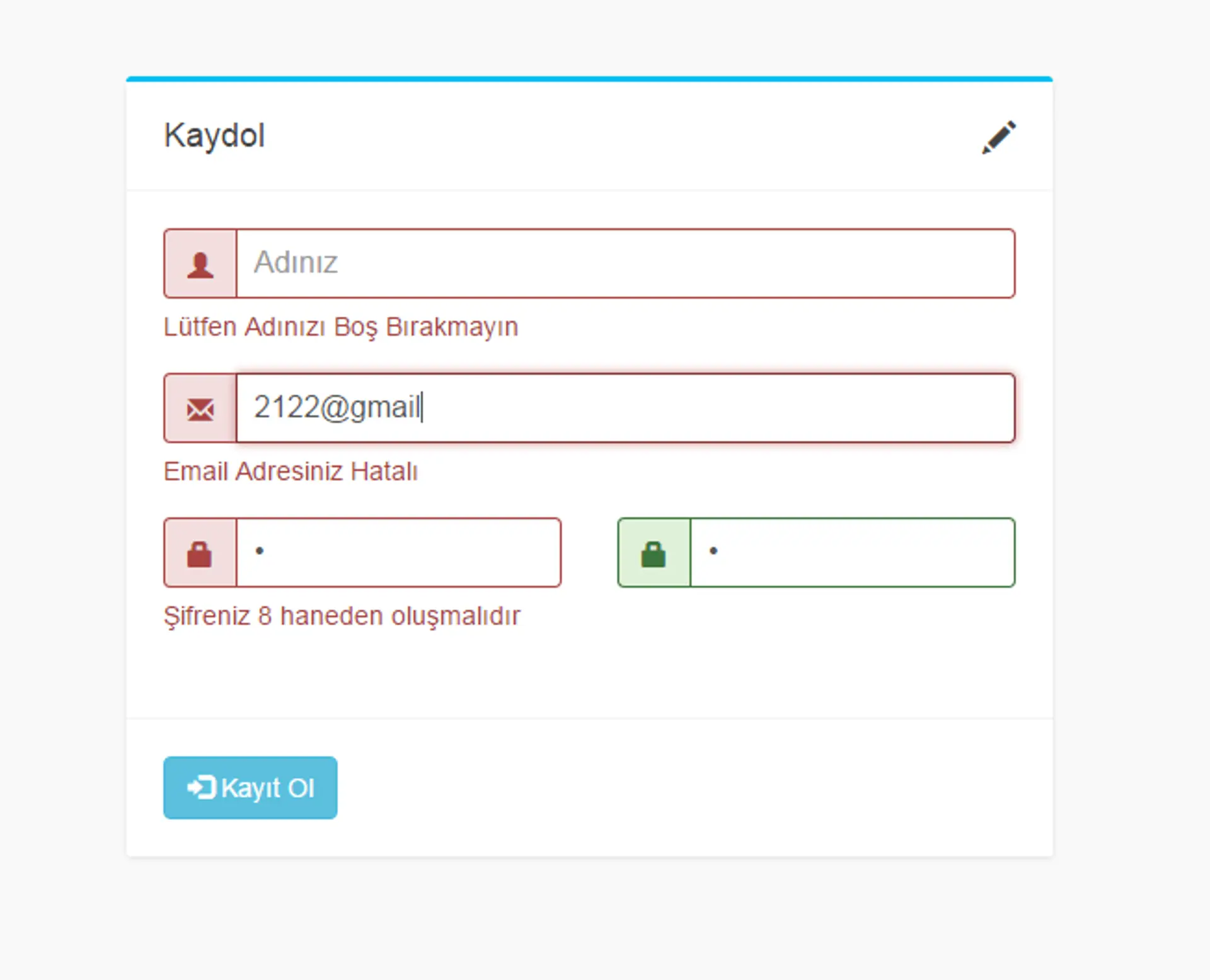
Hello, in this lesson I will show you how to check a form using jQuery and Bootstrap and successfully perform the registration process if the fields are correctly filled.
Required Files#
Bootstrap#
You can obtain the Bootstrap files from here.
If you do not have any knowledge about Bootstrap yet, I highly recommend you learn it as soon as possible to create modern and mobile-friendly interfaces.
Tip ⚡ Bootstrap is one of the fastest solutions for making forms responsive, i.e., mobile-friendly.
Steps#
- We will create our responsive registration form.
- We will include our jQuery files.
- We will check the form using jQuery and show messages to the user.
Example HTML Structure#
<!DOCTYPE html>
<html lang="en">
  <head>
    <meta charset="UTF-8" />
    <meta name="viewport" content="width=device-width, initial-scale=1" />
    <title>Bootstrap jQuery Registration Form</title>
    <link
      rel="stylesheet"
      href="https://maxcdn.bootstrapcdn.com/bootstrap/4.0.0/css/bootstrap.min.css"
    />
    <script src="https://code.jquery.com/jquery-3.6.0.min.js"></script>
  </head>
  <body>
    <div class="container mt-5">
      <h2 class="mb-4 text-center">Registration Form</h2>
      <form id="registerForm">
        <div class="form-group">
          <label for="name">Full Name</label>
          <input
            type="text"
            class="form-control"
            id="name"
            placeholder="Enter your name"
          />
        </div>
        <div class="form-group">
          <label for="email">Email</label>
          <input
            type="email"
            class="form-control"
            id="email"
            placeholder="Enter your email"
          />
        </div>
        <div class="form-group">
          <label for="password">Password</label>
          <input
            type="password"
            class="form-control"
            id="password"
            placeholder="Enter your password"
          />
        </div>
        <button type="submit" class="btn btn-primary btn-block">
          Register
        </button>
      </form>
      <div id="message" class="mt-3"></div>
    </div>

    <script>
      $(document).ready(function () {
        $("#registerForm").on("submit", function (e) {
          e.preventDefault();
          let name = $("#name").val().trim();
          let email = $("#email").val().trim();
          let password = $("#password").val().trim();

          if (name === "" || email === "" || password === "") {
            $("#message").html(
              '<div class="alert alert-danger">Please fill in all fields.</div>',
            );
          } else {
            $("#message").html(
              '<div class="alert alert-success">Registration successful!</div>',
            );
            // AJAX or backend operations can be done here
          }
        });
      });
    </script>
  </body>
</html>
Note: Performing form validation only on the jQuery side is not enough. For security reasons, server-side checks must also be done.
Source Files of the Lesson#
You can download the source files of the lesson: 👉 Download Lesson Source Files
Comments