Is the Keyboard Covering the Comment Box on Instagram? Here's the Definitive Solution! 💡#
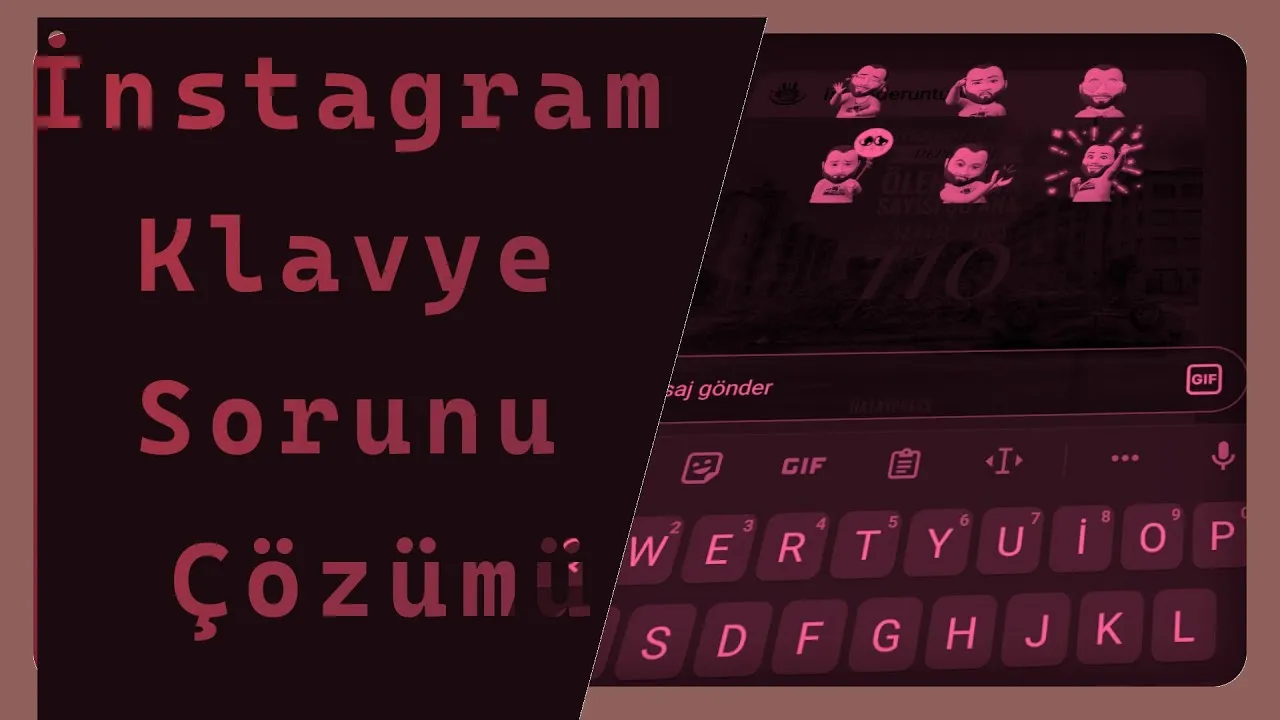
There's a problem frequently experienced by Instagram users that's hard to find a solution for: When trying to write a comment in the comment box, the keyboard appears on top of the box instead of staying at the bottom of the screen. This means you can't see the comment area. This becomes a big problem especially for active users.
So what causes this problem? Is the solution simple? Yes. In this article, we'll show step by step why the problem occurs, which setting triggers it, and how to solve it. Moreover, this solution isn't just for Instagram, it also works for other applications experiencing the same problem!
🧠 Why Is This Problem Happening?#
Although most users associate this problem with the phone aging or the screen not being detected correctly, the real cause is the "hide touch buttons" feature that Android operating system has enabled by default on some devices.
This feature affects screen size and causes some applications to incorrectly position their comment or text input boxes. Result: The keyboard appears on top of the text area.
🔧 Solution: How to Prevent the Keyboard from Covering the Comment Box?#
You can completely solve this problem by following the steps below:
1. Close the Instagram Application#
Settings changes may not take effect while the Instagram application is running.
2. Go to Phone Settings#
Tap on the "Settings" application from the home screen.
3. Go to Screen Settings > Main Screen Buttons Section#
- Follow Settings > Screen > Main Screen Buttons path.
- This menu may also appear as "Navigation Bar" on some brands.
4. Turn Off "Hide Menu Button" or "Hide Touch Buttons"#
If this setting is active, it can cause the keyboard to misinterpret the screen size. Change this setting to off position.
5. Restart Instagram#
After making changes in settings, open the Instagram application again.
6. Test the Comment Writing Area#
Try writing a comment under any post. The keyboard should no longer cover the comment box.
🎯 Where Else Does This Method Work?#
This solution method isn't just for Instagram, it can also work in the following applications:
- Twitter (X)
- Banking applications
- Note applications
Similarly, checking this setting will provide a solution in cases where the keyboard appears in the wrong part of the screen.
🚨 Things to Pay Attention To#
- The settings menu may vary depending on the device brand. Menu names may change in manufacturers like Samsung, Xiaomi, Oppo.
- If "Full screen gestures" is active, this can also cause similar problems. Try disabling it if necessary.
- The same error may not exist in Instagram Lite version, but the solution logic is the same.
🔁 Temporarily Solving the Problem as an Alternative#
If you don't have access to settings or looking for a temporary solution:
- When the keyboard opens, try to shrink the screen with two fingers to see the comment box.
- Try writing by putting the application in landscape mode.
- Try installing a different keyboard application (such as Gboard).
🤖 On Which Devices Has This Problem Been Observed?#
This problem has been reported by users especially on the following devices:
- Xiaomi Redmi series
- Huawei older models
- Samsung Galaxy J series
- Oppo A series
📌 Summary#
| Problem | Keyboard covers the top of comment box |
|---|---|
| Cause | Screen settings like "Hide menu button" |
| Permanent solution | Turning off the setting and restarting Instagram |
| Also works in other apps | Yes |
| Alternative solutions | Shrinking screen, using different keyboard |
🎉 Result: Solve a Big Problem with a 2-Minute Setting#
Sometimes the most annoying problems can be solved with the simplest settings. This visual problem you experience when writing comments on Instagram is one of them. By applying the steps above, you can solve similar problems not only in Instagram but also in many other applications.
Don't forget to mention in the comments if your problem is solved! 👇
Comments