This article is older than 2 years. Some information might be outdated.
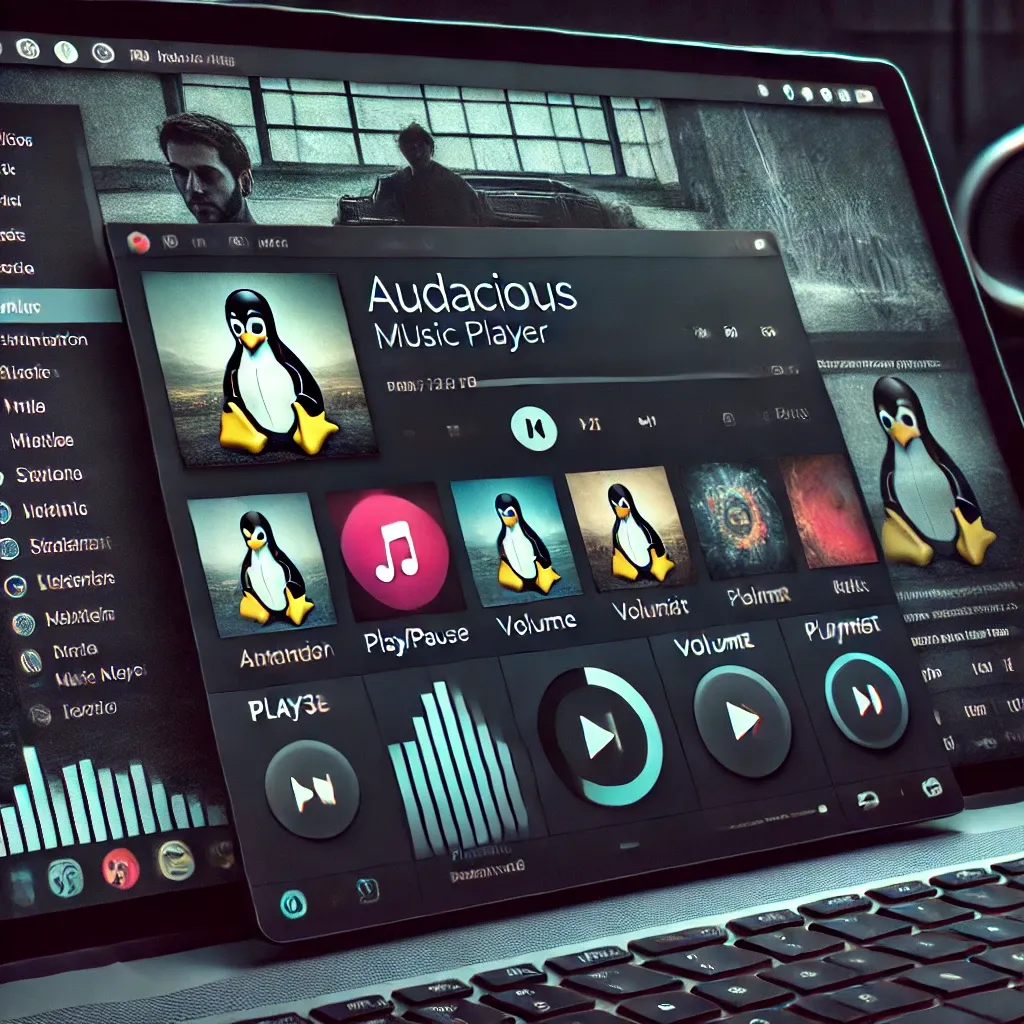
Years of legendary music 🎵 players Winamp and AIMP were indispensable for Windows users. However, Audacious became one of the best alternatives that offers a similar experience in Linux environment. After trying many MP3 players in the market, I chose Audacious because it offers the most customization.
Some may say "CMUS exists!", but I prefer Audacious in terms of visual appearance and ease of use. 😎
Outstanding Features of Audacious 🚀#
- Supports Winamp 2.x themes, so you won't have any theme problems. Also, you can create your own themes by editing files.
- Compatible with Winamp shortcuts, which allows you to keep your old habits.
- Extensive plugin support. If you wish, you can even develop your own plugins by examining existing plugin files.
Installing Audacious and Using Themes 🎨#
- Audacious Themes
- You can access Winamp compatible themes here. Or you can click here to download legendary themes. https://skins.webamp.org/
- Installing Theme
- Move the downloaded theme to the
~/.local/share/audacious/Skinsdirectory. - If this directory doesn't exist, you can create it yourself:
mkdir -p ~/.local/share/audacious/Skins - For More Information About Plugins and Settings 📺
- You can watch the following video for detailed information and guide:
- YouTube Video Link
Audacious is a great player that will make your music listening experience more enjoyable and personalized in Linux environment. 🎧 Don't forget to share your user experiences! 😊
Comments