AI Voice Training and Extras Download Issue 🎤#
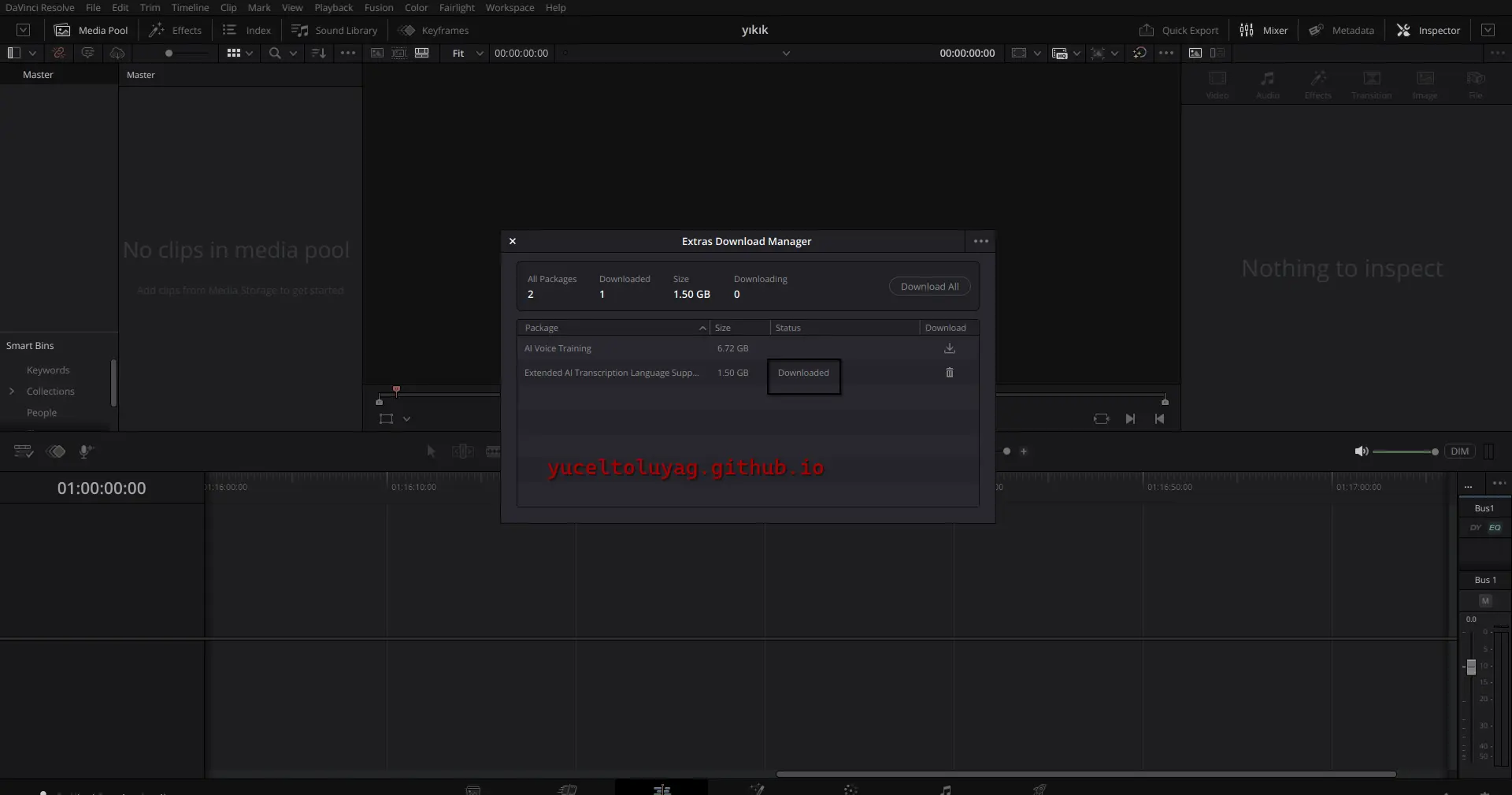
- You couldn't download content from the "Extras in the Download Manager" menu (AI Voice Training, other extras).
- When trying to download the AI Voice Training module, you would get an error like:
'download failed' - Reason: TLS/SSL connection issues and some packages being missing or in the wrong location.
These modules are especially necessary for adding subtitles to videos in languages other than English and for training or cloning your own voice.
Solution Steps#
- Resolve the TLS/SSL connection issue:
sudo mkdir -p /etc/pki/tls/certs
sudo cp /etc/ssl/certs/ca-certificates.crt /etc/pki/tls/certs/ca-bundle.crt
sudo pacman -Syu ca-certificates
- Run Resolve with environment variables:
CURL_CA_BUNDLE=/etc/ssl/certs/ca-certificates.crt /opt/resolve/bin/resolve
# or
SSL_CERT_FILE=/etc/ssl/certs/ca-certificates.crt /opt/resolve/bin/resolve
- Check for library conflicts:
cd /opt/resolve/libs
sudo mkdir disabled-libraries
sudo mv libglib* libgio* libgmodule* disabled-libraries/
- Restart Resolve and download the AI Voice Training or other extras content from the Download Manager.
TLS/SSL Connection Issue 🔒#
- DaVinci Resolve was giving a TLS handshake error (
ERROR code 77) when loading packages over the internet. - Reason: The CA certificate file was not found in the path expected by the application.
- Solution: The TLS/SSL steps above already resolve this error.
symbol lookup error with libpango ⚠️#
- Error:
./resolve: symbol lookup error: /usr/lib/libpango-1.0.so.0: undefined symbol: g_once_init_leave_pointer
-
Reason: Some libraries in the DaVinci Resolve package (
libglib*,libgio*,libgmodule*) might be conflicting with system libraries. -
Solution: This error can be fixed with the "Check for library conflicts" steps mentioned above.
Conclusion ✅#
- TLS/SSL issues and library conflicts have been resolved.
- AI Voice Training and other extras can now be downloaded smoothly from the "Extras in the Download Manager" menu.
- It is now possible to add subtitles for non-English videos and train your own voice.
My Notes 📝#
- AI Voice Training or other extras download issues are mostly caused by TLS and certificate deficiencies.
- Environment variables and library management offer fast and secure solutions.
- Since Resolve includes its own libraries, conflicts with system libraries can sometimes occur.
- Temporarily disabling conflicting libraries resolves download and operational problems.
- These steps have been tested on Arch Linux and similar distributions; similar solutions can be applied on other distributions.
- If Davinci Resolve does not open, you can also read our article on this topic: DaVinci Resolve 20.1 Not Opening on Linux: Error and Solution
Comments